
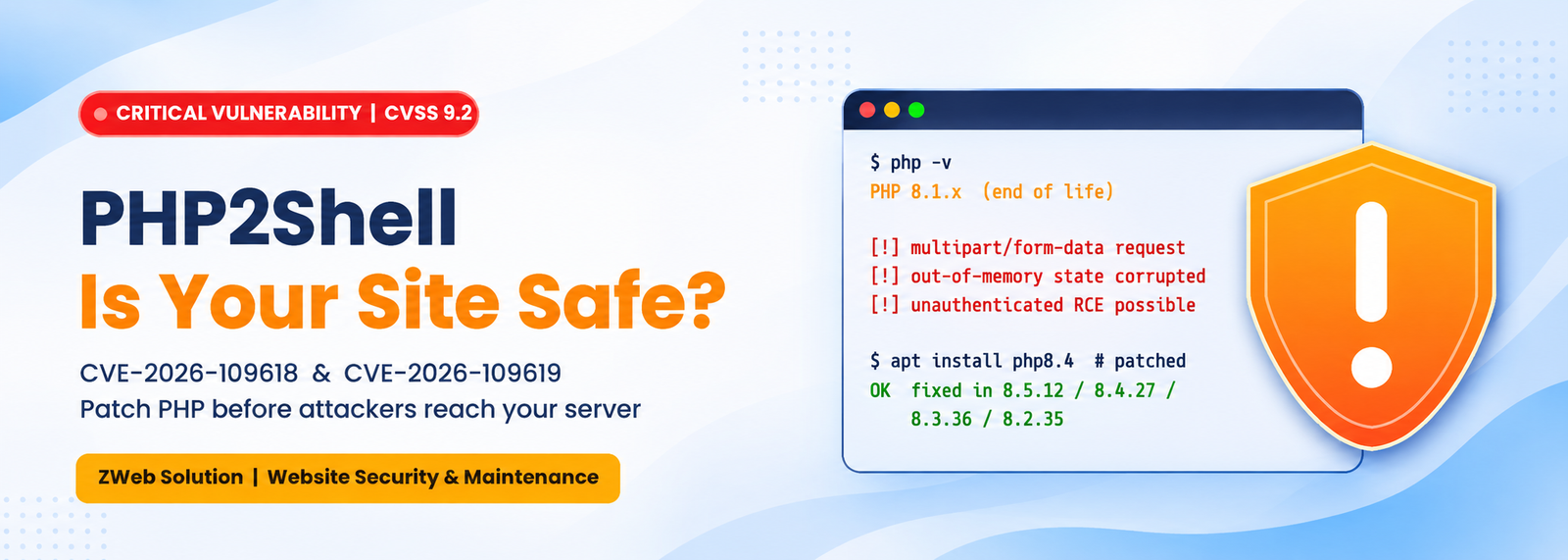
On 21st October 2026 the PHP project released emergency PHP security patch updates for two critical flaws that live inside PHP itself. Together they are called PHP2Shell, and they matter to almost every business in the UAE that runs a website, because PHP powers roughly seven in ten sites whose server-side language is known. If your WordPress, WooCommerce, Magento, Joomla or Laravel site sits on a server that has not been updated since then, it deserves attention this week.
This guide answers the question most owners ask first: how serious is PHP2Shell? It draws on reporting from Khaleej Times and Gulf News, plus the technical details published by the PHP project and security researchers. After that, it explains how ZWeb Solution can check, patch and secure your website so you are not left guessing.
Key Highlights:
- Two critical flaws, CVE-2026-109618 and CVE-2026-109619, both scored 9.2 out of 10 on the CVSS v4.0 scale.
- The bug lives in PHP, not in your theme or plugins, so a fully updated WordPress site can still be exposed.
- An attacker needs no login. A crafted file-upload style request is the known way to reach the flaw.
- Censys counted 4,691 internet-facing UAE hosts as potentially exposed, about 79.5% of the country’s versioned hosts.
- Attack attempts were seen before the patch was public, so a compromise check matters as much as the update.
- Fixed releases are PHP 8.5.12, 8.4.27, 8.3.36 and 8.2.35. PHP 8.1 and older have no official fix.
- ZWeb Solution can audit, patch, test and harden your site, then keep it monitored.
How Critical Is PHP2Shell?
In short: very. Several independent groups have used the word critical. Both CVEs carry a CVSS 9.2 PHP rating, a CVSS v4.0 score of 9.2 out of 10, according to the PHP security team’s advisory. Tenable Research also placed the flaws in the top tier of its Vulnerability Watch programme, and its senior research engineer Satnam Narang said they rank among the most consequential vulnerabilities since Log4Shell because of how many sites they reach, as Khaleej Times reported.
9.2 / 10
CVSS v4.0 severity score given to both CVEs
10+ years
How long the flawed code has been part of PHP, which dates from version 5.4.0 in 2012
4,691
Potentially exposed internet-facing UAE hosts, according to Censys
79.5%
Share of the UAE’s versioned hosts that this figure represents
What Is PHP2Shell in Plain English?
Both bugs are memory-safety problems that appear when PHP runs out of memory while handling a web request. In the first, PHP can be interrupted halfway through setting up a request and then tidy up as if the half-built data were valid. In the second, internal data can outlive the memory behind it, and a later request handled by the same worker may pick it up. Either way, an attacker may be able to run code on the server without logging in, and may also read fragments of server memory that can hold passwords, session tokens and API keys.
The technical write-ups say every known trigger is a multipart form request, which is the format a browser uses to upload a file. PHP reads that request before your application code starts. That is why a strong admin password, a WordPress security plugin or a clean theme cannot stop it on their own: they all run after the point where the problem occurs.
Why PHP2Shell Is Worse Than a Routine Patch Notice
- It sits in the engine, not the app. Gulf News notes that WordPress, Drupal, Joomla, Magento, Laravel and custom builds are all exposed when they run on a vulnerable PHP version.
- Attackers move fast. Tenable’s Gavin Millard told Khaleej Times that attackers compare old and new code and work backwards, and that AI makes this quick. The flaws themselves were found with AI help.
- Attempts began early. Security researchers report that Amazon Threat Intelligence logged an exploitation attempt on 17 October, four days before the public patch.
- Patching may not be the end. Because memory can leak secrets, passwords and keys used on an exposed server may need to be rotated even after the update.
- Old PHP gets no official fix. PHP 8.1 and older receive no new release, so those sites need an upgrade rather than a simple patch.
To keep this in proportion, Sophos’s Don Smith said the flaws had so far proved harder to exploit than first feared, and as of 22 October no confirmed break-in at a named organisation had been publicly reported. That is a reason to act calmly and quickly, not a reason to wait.
How Exposed Are UAE Websites?
Censys data cited by Khaleej Times counted 4,691 internet-facing hosts in the UAE as potentially exposed, which is 79.5 per cent of the country’s hosts where a PHP version could be identified. The same report says UAE companies and hosting providers have started deploying patched PHP packages and advising customers to check their runtime versions and restart web services, and that the US National Security Agency urged organisations to take sites offline if they could not fix the flaws straight away.
Not every site faces the same level of risk. Use this table as a quick guide.
| Your setup | Risk level | What to do |
|---|---|---|
| Apache with mod_php | Highest | Patch first. PHP’s own advisory treats this setup as the most exposed. |
| PHP 8.1 or older | High, no official fix | Upgrade to a supported PHP branch. No official patched release exists for these versions. |
| Shared or cPanel hosting | Depends on your host | Ask which PHP version actually serves your site. The version shown in a control panel is not always the live one. |
| Docker or cloud images | High until rebuilt | Rebuild the image with a patched PHP and redeploy. Containers keep the old PHP until then. |
| Old staging, test or campaign sites | Often missed | List every subdomain and microsite, then patch it or take it offline. |
| Static sites, Shopify, Wix, Squarespace | None from this flaw | No action needed for PHP2Shell. Confirm no PHP tool sits elsewhere in your stack. |
One more warning from the same coverage: the forgotten server is often the weak link. Millard pointed to test sites set up years ago that nobody remembers to patch, so an inventory of every PHP site you own is the first job. Gulf News makes the same point, advising firms to list their internet-facing applications and PHP versions before anything else.
Why Updating WordPress or Your Plugins Does Not Solve It
The PHP runtime comes from your server, your hosting provider or your container image. Your CMS does not control it. Updating Elementor, WooCommerce or your theme is still good practice, but none of those updates change the PHP engine underneath. Four points are easy to miss:
- Check the PHP version, not the CMS version. A perfectly updated WordPress site can still run on a vulnerable PHP.
- Restart after updating. A patched file on disk does not help while an old worker is still running in memory, so Apache, PHP-FPM and any long-running PHP workers must be restarted.
- Version numbers can mislead. Linux distribution packages can carry the fix while still showing an older-looking number, so the package changelog should be checked for the CVE identifiers.
- Firewalls are a stopgap. Cloudflare itself described its emergency firewall rules as a stopgap, and rules only protect traffic that actually passes through them.
How ZWeb Solution Can Fix PHP2Shell on Your Website
ZWeb Solution designs, builds and maintains WordPress, WooCommerce and custom PHP websites, with PHP website security covered, for businesses across Dubai and the wider UAE. Here is the process we follow, so the fix is verified rather than assumed. You can see more of what we do on our WordPress development and website development pages.
1. Exposure check
We identify the PHP version and the handler that actually serves each site, such as PHP-FPM, mod_php or LiteSpeed. The command-line version often differs from the live one. We include forgotten staging sites, subdomains and microsites in the list.
2. Patch or upgrade PHP
We move the server to a fixed release (8.5.12, 8.4.27, 8.3.36 or 8.2.35) or to your vendor’s backported package. Sites on PHP 8.1 or older get a planned upgrade. Because PHP 8.2 reaches end of life on 31 December 2026, we prefer 8.3 or 8.4 where your site allows.
3. Backup and compatibility testing
We take a full backup first, then test your theme, Elementor pages, WooCommerce checkout, forms and file uploads on the new PHP version. Newer PHP releases are often faster too, which fits well with our website speed optimization guide.
4. Restart and verify
We restart PHP-FPM, Apache and any workers, rebuild container images where needed, and confirm the PHP vulnerability fix UAE sites need in a real request served by your web stack, not just on the command line.
5. Compromise review
Because attempts started before the patch, we review logs back to 17 October for odd multipart requests, memory-limit errors and HTTP 500 spikes. We also scan for modified files, new admin users and unfamiliar scheduled tasks.
6. Rotate secrets and harden
Where memory may have been read, we rotate database passwords, API keys and salts, and force logouts. We tighten firewall rules, upload paths and PHP limits, then give you a written summary of what we found and changed.
If you would rather not repeat this scramble at the next advisory, we can also set up regular maintenance with updates, tested backups and monitoring, so someone is always responsible for knowing what your website is running. This also covers eCommerce stores, where a single exposed server can put customer data and payment integrations at risk.
Not sure which PHP version your website runs?
Send us your domain and we will check which PHP version is serving it, then tell you plainly whether it needs action. We can also work on websites that were built by other agencies, subject to access to your hosting.
What You Can Do Today While You Wait
- Ask your host three questions in writing: which PHP version serves my site, is it patched against both CVEs, and have the workers been restarted.
- List every site, subdomain, staging copy and microsite that runs PHP, including old ones nobody uses.
- Take a fresh backup, and check whether you still hold a clean one from before 17 October.
- Switch on the emergency firewall rules offered by your CDN or WAF provider, but treat them as a stopgap, not a fix.
- If a server is exposed and cannot be patched yet, consider taking it offline at server level. WordPress maintenance mode does not help, because PHP reads the request before the app checks it.
- Do not rely on temporary configuration tweaks alone. PHP itself says there is no complete mitigation and that updating is the only safe choice.
After the Patch: Rotate, Review and Monitor
Patching closes the hole, but it does not undo anything that happened before the update. After the fix is live, work through these checks:
- Rotate credentials for the database, admin users, API keys, payment and email services, and force every session to log out.
- Review logs from 17 October, not from the day you patched, and look for backdoors, new admin accounts and changed core files.
- Check memory settings. The fix introduces a new hard memory limit, so confirm memory_limit and post_max_size still suit large imports and uploads.
- Remove temporary mitigations such as blocked uploads once the site is patched.
- Keep it continuous. Pushkar Singh of Protectt.ai told Khaleej Times that security is not a one-time compliance exercise, and Gulf News agrees that inventory, patching and monitoring have to be ongoing.
The Bottom Line
FAQ