
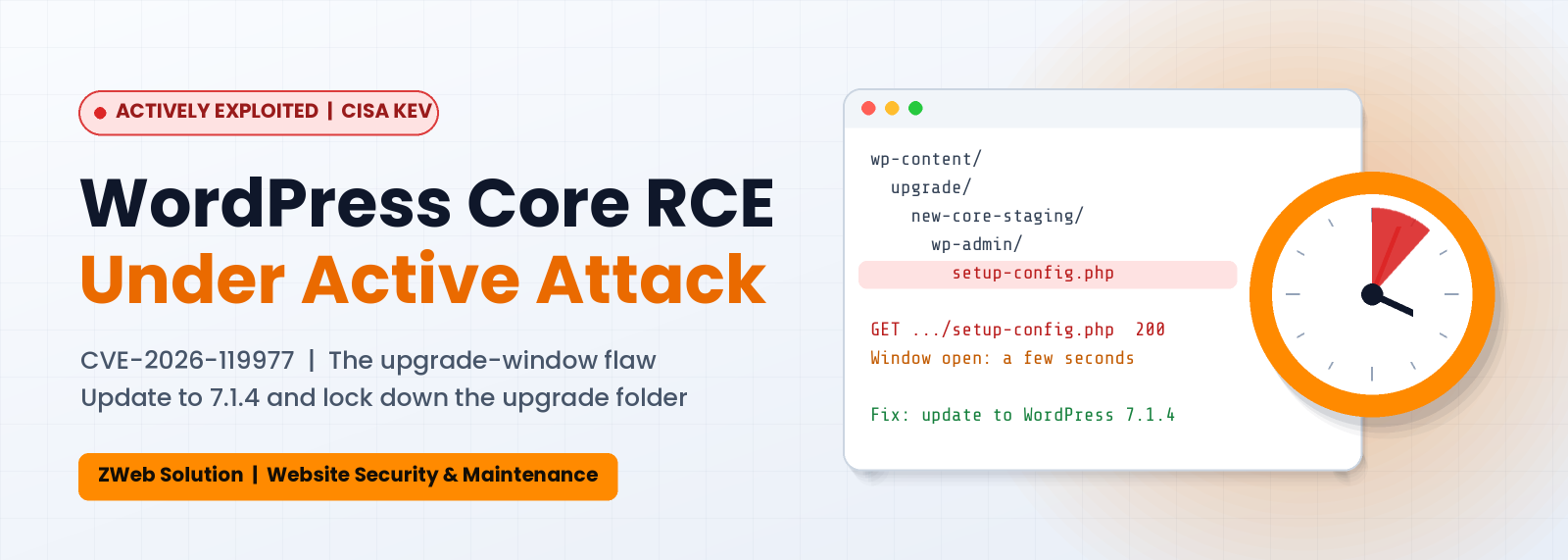
On 3 November 2026 the US cyber agency CISA added a WordPress core flaw to its Known Exploited Vulnerabilities catalogue, which is the official way of saying that attackers are using it for real. The flaw is tracked as CVE-2026-119977. This WordPress RCE lets an unauthenticated visitor run code on a server, and it can only be reached during a very short moment: while WordPress is unpacking a full-package core update.
WordPress powers a very large share of UAE business websites, so this website security UAE issue deserves attention even though the exposure window is narrow. This guide starts with how serious the problem is, then explains how ZWeb Solution can check, patch and lock down your site. It draws on reporting and research from The Hacker News and the issue is also covered by Wordfence and BleepingComputer.
Key Highlights:
- CVE-2026-119977 is an unauthenticated remote code execution flaw in WordPress core, rated 8.1 (High) on CVSS 3.1.
- CISA added it to its Known Exploited Vulnerabilities catalogue on 3 November 2026, so exploitation is confirmed, not theoretical.
- It affects WordPress 4.7.0 through 7.1.3, but only during a full-package core update, when a staged copy of the installer sits in a predictable folder.
- Wordfence recorded more than 18,500 requests to staged setup-config.php paths in the first 21 hours after disclosure.
- No successful compromise has been publicly confirmed, which makes this the moment to act rather than the moment to relax.
- The WordPress vulnerability fix is WordPress 7.1.4, or the matching release for your branch, such as 7.0.8 or 6.9.11. Versions 4.6 and older have no fix.
- ZWeb Solution can audit, block, patch, test and monitor your site so the upgrade window stays closed.
How Critical Is the WordPress Core Upgrade-Window RCE?
The honest answer has two parts. The impact is severe: remote code execution without a login means an attacker who lands the request can run commands as the web server account. The likelihood for any single site is lower, because several conditions must line up at once. WordPress itself rates the issue Low for that reason, while the CVE record scores it 8.1 (High).
It still deserves urgency for a simple reason: attackers are already scanning for it, and CISA has confirmed exploitation. These numbers come from The Hacker News quoting Wordfence data.
18,500+
Requests to staged setup-config.php paths logged by Wordfence in the first 21 hours.
62,969
Attacks Wordfence blocked in the 24 hours to 30 October.
8.1 / 10
CVSS 3.1 score on the CVE record, rated High.
9 minutes
Time for the Wordfence firewall rule to catch its first matching attack after going live.
What Is the Upgrade-Window Flaw in Plain English?
When WordPress performs a full-package update, affected versions unpack the new release into a working folder inside the web root. That folder has a predictable name and holds a complete copy of the installer, including wp-admin/setup-config.php.
On a live site the installer refuses to run, because wp-config.php already exists. The staged copy has no config file, so for as long as that folder exists, anyone who can reach it can start the installer. An attacker can point it at a database they control and then run code under the web server account. Security teams call this a time-of-check to time-of-use race, which is why the timing matters so much (The Hacker News).
Exploitation needs a full-package update, a publicly reachable staging folder where PHP executes, knowledge of the folder path and a request that lands before cleanup. WordPress 7.1.4 randomises the folder name, adds an index guard and blocks unsafe promotion of staged configuration data. Wordfence also published a write-up of the 7.1.4 security release.
Why This Is More Serious Than It Sounds
- It needs no login. The attacker does not need an account, a stolen password or a vulnerable plugin.
- The weak spot is core. Careful plugin and theme hygiene does not help, because the problem sits in how WordPress stages its own update.
- It is being probed at scale. Wordfence blocked 62,969 attacks in the 24 hours to 30 October and 13,835 in the 24 hours to 3 November, according to TrendAI.
- Your own update can open the door. Each full-package update recreates the window, so busy sites and agencies running many updates are exposed again and again.
- Success usually means full control. Typical outcomes are web shells, rogue administrator accounts, injected spam and payment skimmers.
How Exposed Is Your Website?
Your risk depends on your WordPress version, how you update and whether the staging folder is reachable from the internet. Use this table as a quick guide.
| Your setup | Risk level | What to do |
|---|---|---|
| WordPress 7.1.3 or older, manual full-package updates | High | Block /wp-content/upgrade/ before the next update, then move to the fixed release. |
| WordPress 7.1.3 or older, automatic updates | Medium to High | Confirm the version and the folder rules. Automatic updates can open the window while nobody is watching. |
| Old version, but the staging folder is blocked at server, WAF or CDN level | Lower | A good stopgap. It is a bridge, not the fix, so still update. |
| Updated to 7.1.4 or your branch fix (7.0.8, 6.9.11 and so on) | Low | Verify the version on every site, then review logs for earlier probes. |
| WordPress 4.6 or older | Very high | No fix exists. Upgrade or take the site offline. |
| Several sites, or installs outside central management | Often missed | Inventory every install, including old staging copies and microsites. |
Risk levels are our own practical reading of the published conditions, not an official rating.
Why Simply Clicking Update Is Not Enough
Because the vulnerable moment happens during the update, the usual advice to just update has a catch. On an unprotected site, the update itself can open the window. The recommends blocking web access to /wp-content/upgrade/ before updating, using server configuration, a WAF or a CDN rule. It also warns against relying on a placeholder file inside that folder, since older versions clear the folder during updates.
In other words, the order of operations matters: block first, update second, verify third. That is the sequence our team follows.
How ZWeb Solution Can Fix CVE-2026-119977 on Your Website
ZWeb Solution builds and maintains WordPress sites for businesses across UAE and the World, including WordPress security Dubai work, so we treat this as a complete job and not a one-click update. Our WordPress development team in Dubai works through six steps.
1. Version and exposure audit
We identify the WordPress version, branch and update method for every site you own, including forgotten staging copies and microsites. We also check whether /wp-content/upgrade/ answers on the web.
2. Block the staging path first
Before touching core, we add a server, WAF or CDN rule that denies public access to /wp-content/upgrade/, so the window stays closed during the update itself.
3. Backup and staged update
We take a full backup, update a staging copy to 7.1.4 or your branch release such as 7.0.8 or 6.9.11, test key pages, forms and checkout, then promote it to live.
4. Log review
We search access logs for requests to PHP files under wp-content/upgrade/, especially setup-config.php. A 200 response around an update window is treated as a priority.
5. Compromise check
We look for unexpected PHP files, unknown administrator accounts and unfamiliar plugins. If a staged installer request succeeded, we assume code execution, rotate database and admin credentials and hunt for web shells.
6. Harden and monitor
We schedule updates for controlled windows, keep the folder rule permanent, switch on file-integrity and uptime alerts, and keep your site on a maintenance plan so the next core fix lands fast.
If your site relies on custom plugins or runs an online store, we test those too. Explore our website development services in Dubai and ecommerce website services, or read our guide to website speed optimization to keep a patched site fast.
Not sure which WordPress version your sites run?
Send us your domain and we will check the version, the staging folder and your logs.
What You Can Do Today While You Plan the Update
- Check your WordPress version under Dashboard, then Updates, and note your branch.
- Block /wp-content/upgrade/ at server, WAF or CDN level before you update.
- Do not rely on an index file placed inside that folder, because older versions clear it during updates.
- Update to 7.1.4 or the fixed release for your branch, and verify the version on every site.
- Search logs for requests to PHP files under wp-content/upgrade/ and treat any 200 response as urgent.
- Look for new admin users, unknown plugins and unexpected PHP files, and take a fresh backup first.
After the Patch: Verify, Review and Monitor
Updating closes the hole, but it does not tell you whether someone used it earlier. A short follow-up routine gives you that answer.
- Confirm the new version on every site and keep the folder block in place permanently.
- Review administrator accounts, installed plugins and recently modified PHP files.
- If any staged installer request returned a 200 response, rotate database and administrator credentials.
- Turn on uptime, file-integrity and login alerts so surprises reach you quickly.
The Bottom Line
CVE-2026-119977 is a narrow-window flaw with serious consequences, and the narrow window is exactly why it is easy to ignore. Attackers are not ignoring it. CISA lists it as exploited, Wordfence has logged tens of thousands of attempts, and the fix is already available. If you update WordPress yourself, block the staging folder first. If you would rather have specialists handle it, ZWeb Solution can audit, patch and protect your website, and then keep it safe. Please contact our team and we will start with a quick version check.
FAQ